
Televizo Player: The Ultimate Guide for Opplex TV Users
Official 2026 Guide for Pakistan
Televizo Player is the gold standard for enjoying Opplex TV on Android Smartphones, Android TV Boxes, and Firesticks. While there are many players available in the Pakistan market, Televizo offers the most stable connection to our premium servers. By combining the power of Opplex TV's Anti-Freeze 6.0 technology with Televizo's lightweight interface, you get a seamless experience for live sports, cricket, and international cinema.
Why Choose Televizo for Opplex TV?
Televizo stands out as the premium choice for our customers because it offers a perfect balance between performance and features. Unlike other players, it supports Low Latency streaming, which is critical for Live Cricket matches where even a 5-second delay can spoil the excitement. It also features a fully integrated Electronic Program Guide (EPG), making it easy to see what's playing on PTV Sports, Ten Sports, or your favorite Pakistani entertainment channels like Hum TV or ARY Digital. For parents, the custom grouping allows you to hide or show specific categories, ensuring a family-friendly viewing setup.
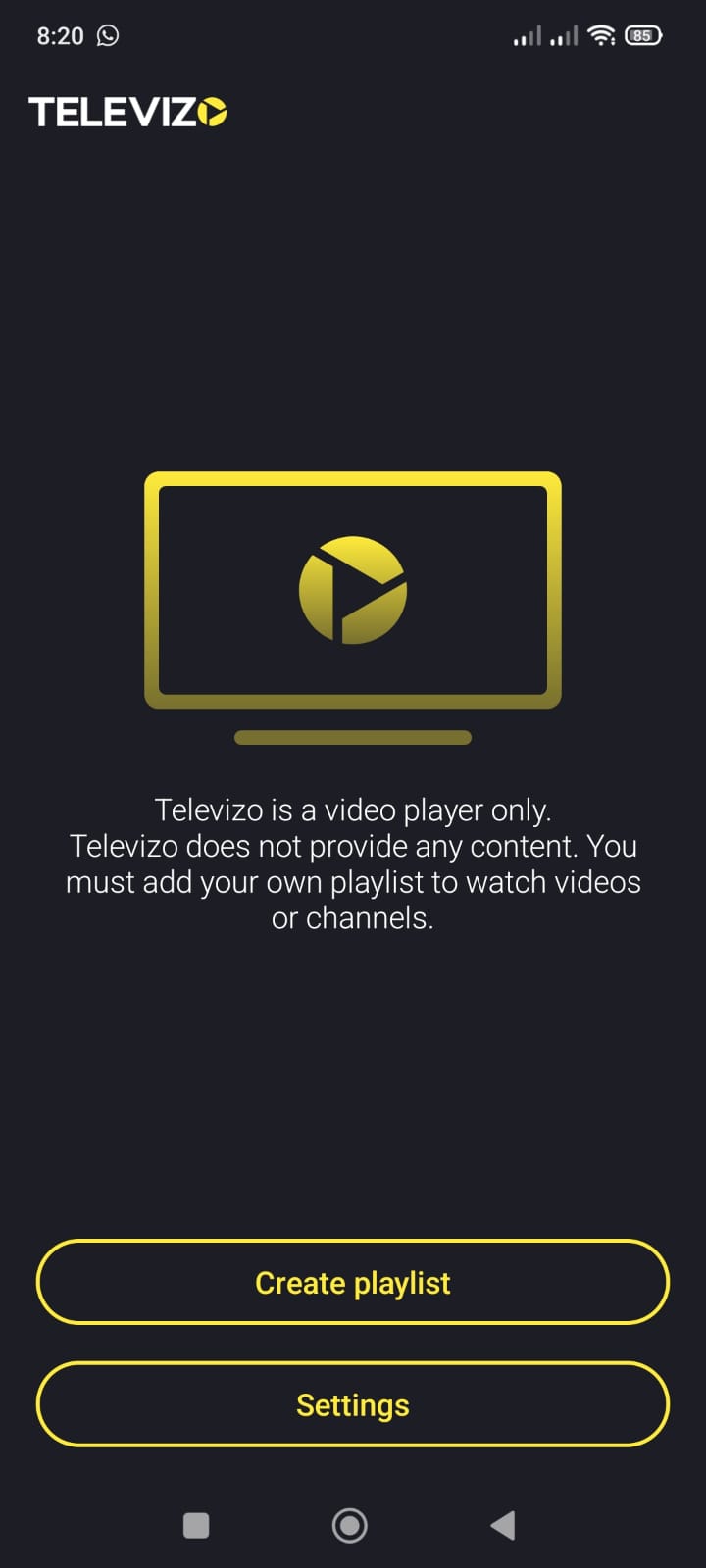
Step 1: Open the App to link your Opplex TV line
Launch Televizo on your device and click the 'Create Playlist' button to begin connecting to our high-speed server network.
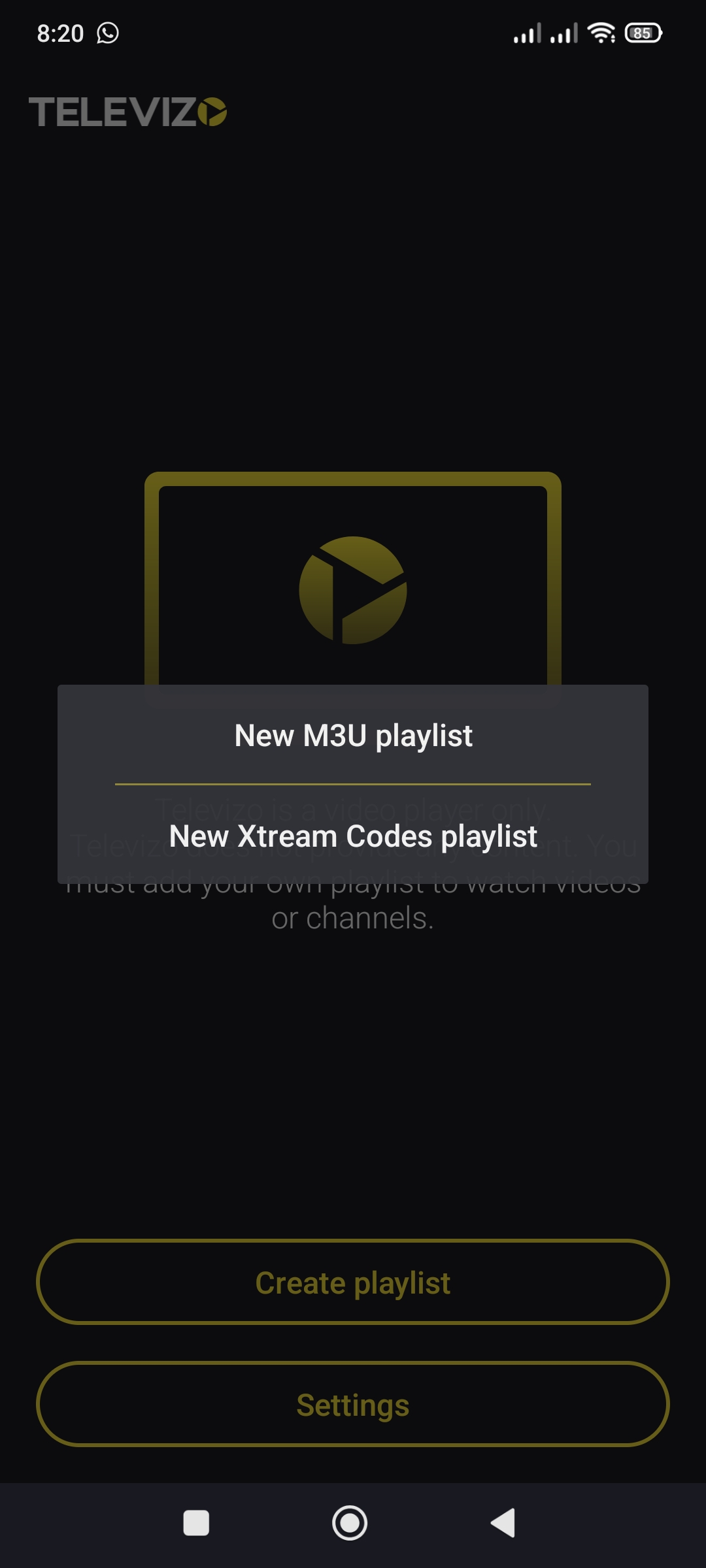
Step 2: Select Connection Method for Opplex TV service
Choose 'New Xtream Codes Playlist'. This is the fastest and most secure way to connect to your Opplex TV line server.
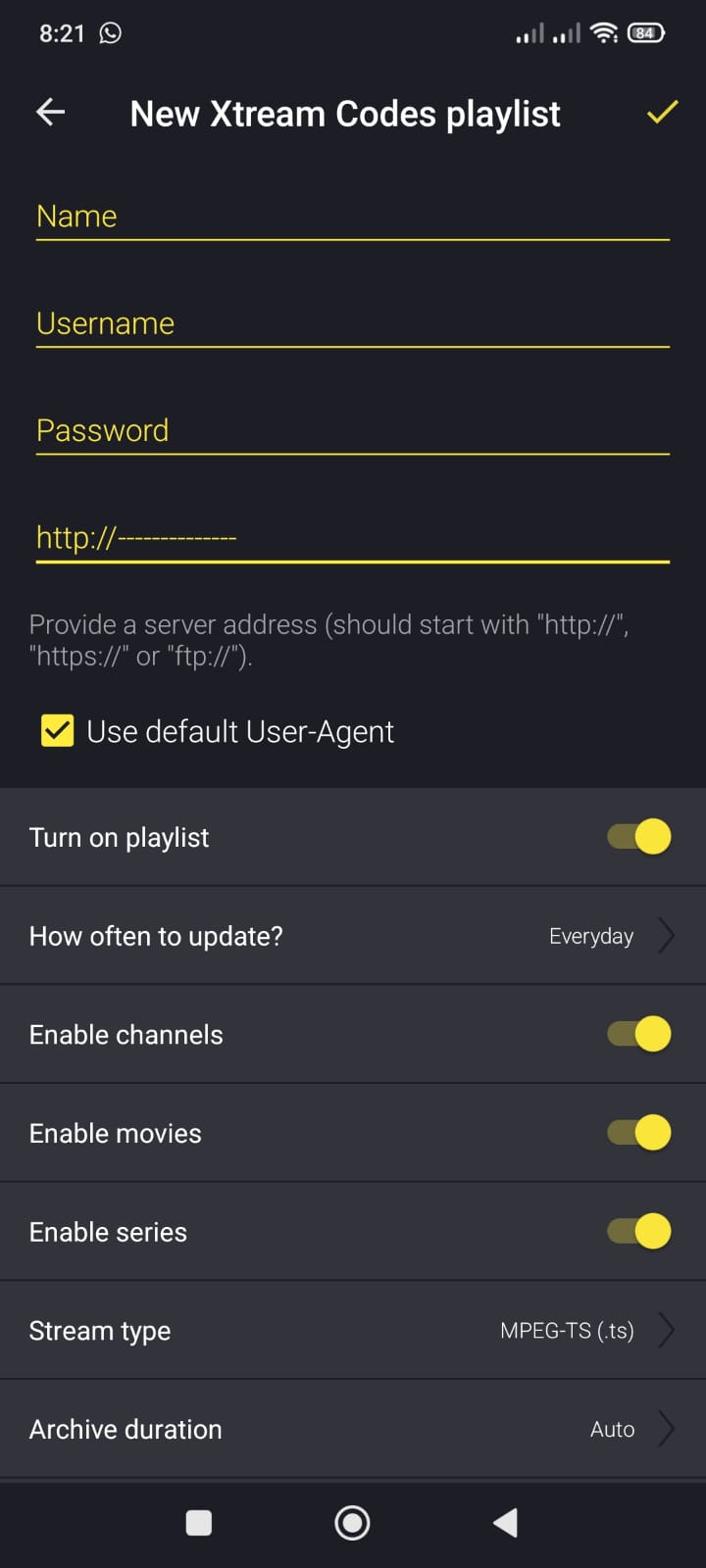
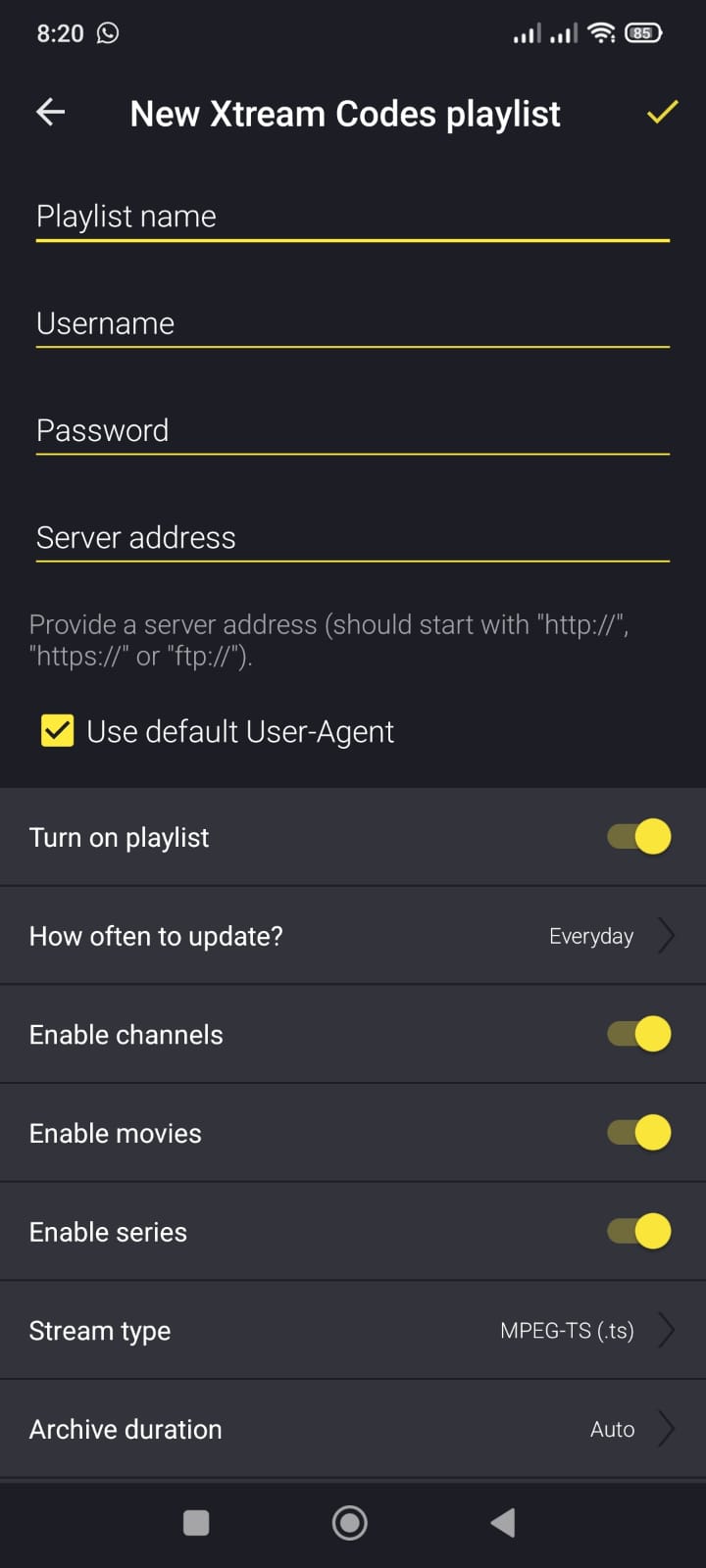
Step 3 & 4: Enter Opplex TV Credentials provided by support
Enter your unique details exactly as provided by our WhatsApp support team: 1. Name: Opplex TV, 2. Username: (From WhatsApp), 3. Password: (From WhatsApp), 4. Server Address: (From WhatsApp)
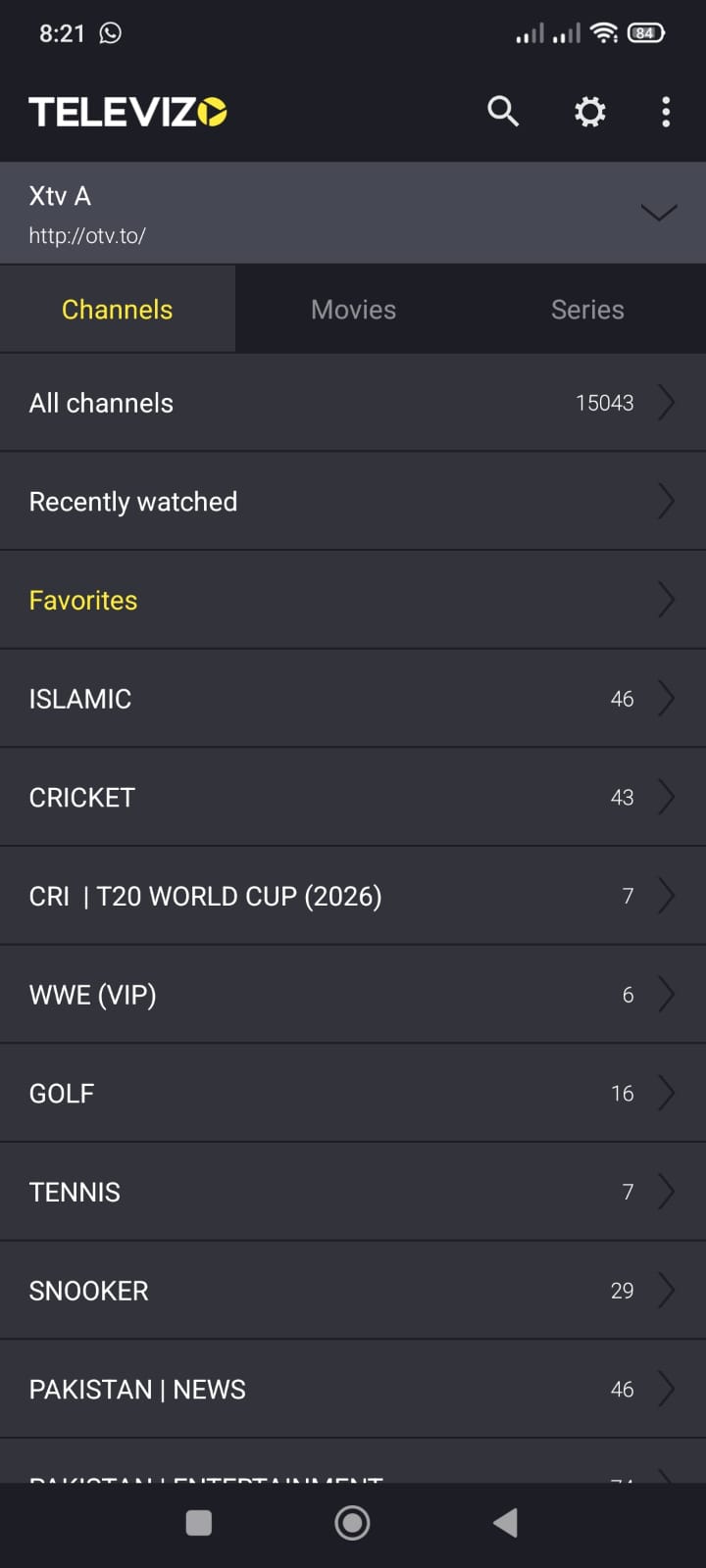
Step 5: Opplex TV Setup Complete
Once saved, your exclusive categories (Islamic, Cricket, T20 World Cup, etc.) will load instantly. You are now ready to stream the Gold Standard on your premium Opplex TV service.
Optimizing for Pakistani ISPs (Flash Fiber, StormFiber, Nayatel)
To get the absolute best results on your Opplex TV line, your internet settings play a huge role. Whether you are using PTCL Flash Fiber, StormFiber, or Nayatel, Televizo gives you the ability to fine-tune your buffer settings. We recommend a 10Mbps+ dedicated connection for 4K Ultra HD and Full HD streaming. If you are in a high-density area with potential congestion, increasing the buffer to 5 or 10 seconds within the Televizo settings can eliminate micro-stutters. Our Anti-Freeze 6.0 technology works seamlessly with these ISPs to provide a gold standard experience that other services simply cannot match.
Troubleshooting & Expert Support Tips
Keeping your Opplex TV connection fresh is easy with Televizo. If you ever find that a channel is not loading, simply click 'Update Playlist' to sync with our latest server nodes in Karachi and Singapore. Clearing the app cache once a week is also recommended to prevent memory build-up. For those using old Android boxes, disabling 'Hardware Acceleration' in the player settings can sometimes improve stability with certain 4K formats. If you need any assistance, our WhatsApp support team is available 24/7 to provide you with the most secure server URLs for your Opplex TV line.